
Present your product pieces clearly so buyers understand the full offer without feeling buried under a long file list.
When “More Value” Starts to Feel Like Too Much
You sit down to write your sales page.
You want buyers to see everything inside your product.
So you start listing the pieces.
Guide included.
Workbook included.
Templates included.
Checklists included.
Email swipes included.
Bonuses included.
Then more bonuses.
Then more files.
At first, it feels strong. You are showing value. You are proving the product is packed with useful material.
But after a while, the page starts to feel heavy.
Even you have to scroll back up to remember what you already listed.
That is when a value stack can become a problem.
Not because the product has too much value.
But because the value is not organized clearly.
A strong value stack should help buyers understand the offer.
It should not make them feel like they are sorting through a storage box full of random files.
Why the Value Stack Matters
A value stack is the section of your sales page where you show what the buyer receives.
It can include the main product, modules, templates, bonuses, tools, training, worksheets, swipe files, or support materials.
But the value stack is not just a list.
It is a clarity tool.
It helps the buyer answer four simple questions:
- What do I receive?
- Why does each piece matter?
- How do the pieces work together?
- What result does this help me move toward?
When the value stack answers those questions, the product feels easier to understand.
When it does not, the offer can feel bigger but not necessarily better.
That is why clarity matters.
A confused buyer may not reject your product because the offer is weak.
They may step away because the offer feels hard to process.
The Big Mistake: Listing Files Without Explaining Value
Many PLR and digital product sales pages make this mistake.
They list every file.
For example:
- 30-page guide
- 10 worksheets
- 5 checklists
- 20 email swipes
- 15 social posts
- 3 templates
- Bonus report
- Bonus planner
- Bonus graphics
That may be accurate.
But it does not explain enough.
The buyer may think:
“Okay, but what do I do with all of this?”
That question is important.
A value stack should not only prove quantity.
It should explain usefulness.
Instead of saying only:
20 Email Swipes
Say:
20 Email Swipes — gives you ready-to-adapt messages for introducing the offer without staring at a blank page.
Now the buyer understands the purpose.
The file becomes more than a file.
It becomes a helpful asset.
The Clear Value Stack Method
Use this method when you want to show what your product includes without overwhelming the buyer.
It works especially well for PLR products, toolkits, bundles, and digital product offers.
1. Group the Offer Into Clear Sections
The first step is grouping.
Do not throw every file into one long list.
Group related items together.
For example, let’s say you have a PLR offer called:
First Offer Builder Kit
Inside, you have:
- Guide
- Workbook
- Offer planning worksheet
- Sales page template
- Email swipes
- Checklist
- Bonus launch planner
- Download page template
- Social post prompts
Instead of listing everything randomly, you could group it like this:
Core Training
- First Offer Guide
- Companion Workbook
Planning Tools
- Offer Planning Worksheet
- Launch Readiness Checklist
Sales Assets
- Sales Page Template
- Email Swipe Set
- Social Post Prompts
Delivery Support
- Download Page Template
- Bonus Launch Planner
Now the buyer can see the structure.
They understand that the product is not just a pile of files.
It is arranged around a path.
2. Name Each Piece Clearly
A confusing name weakens the value stack.
A clear name helps the buyer understand the purpose quickly.
For example:
Worksheet 1 is not very helpful.
Offer Planning Worksheet is better.
Checklist is okay.
Launch Readiness Checklist is stronger.
Template Pack is broad.
Sales Page Template Pack is clearer.
When naming each piece, ask:
- What is this?
- What does it help with?
- Where does it fit in the buyer’s journey?
- Can the buyer understand it in a few seconds?
You do not need clever names for every item.
Simple and clear often works best.
3. Add One Benefit Line Per Item
This is where the value stack becomes stronger.
Each item should have a short benefit line.
Not a long paragraph.
Just one simple line that explains why the piece matters.
For example:
Offer Planning Worksheet — helps you turn one product idea into a clear buyer, promise, and outcome.
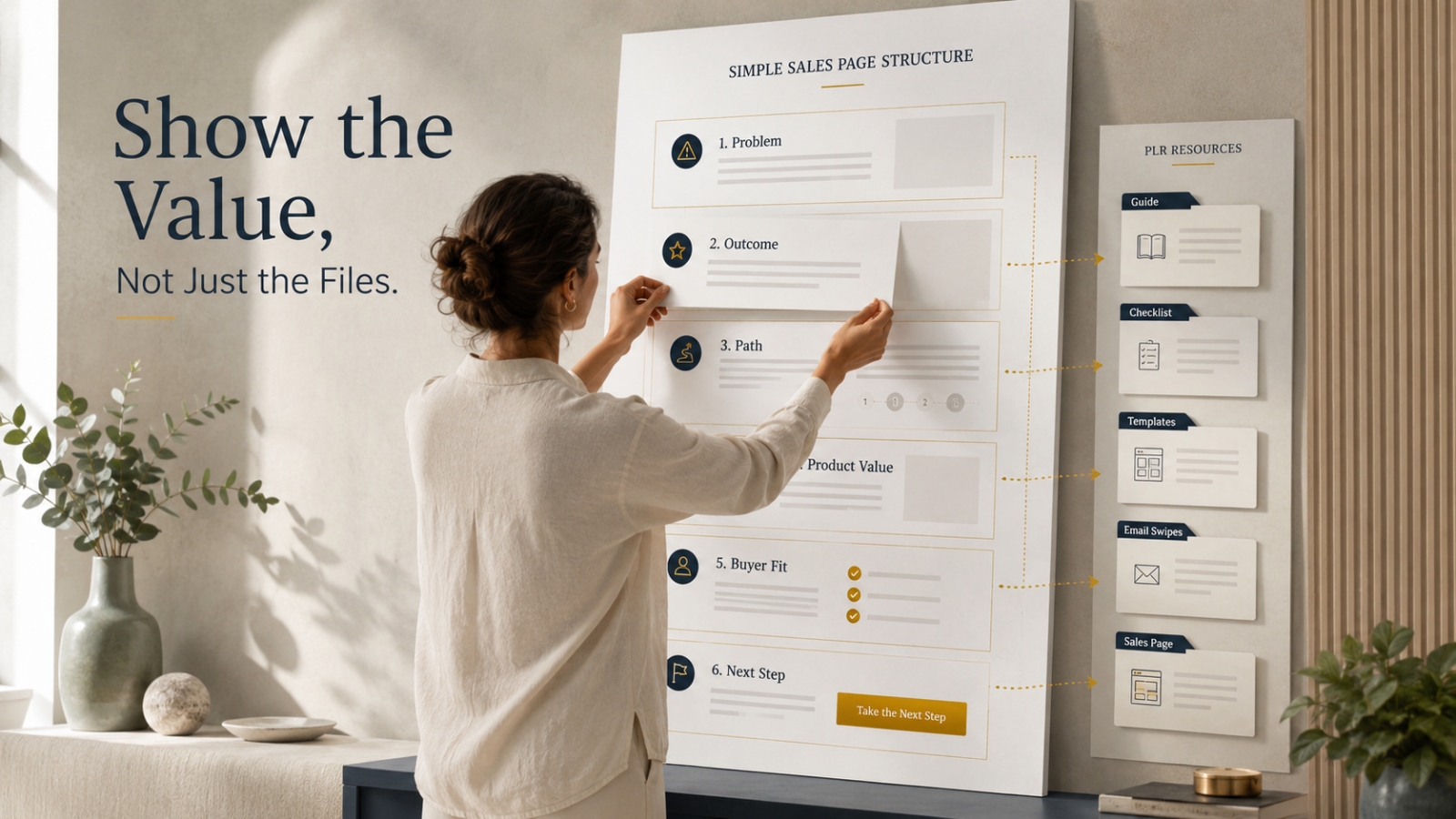
Sales Page Template — gives you a simple structure for explaining the problem, path, offer, and next step.
Email Swipe Set — helps you introduce the offer with ready-to-adapt messages instead of starting from a blank page.
Launch Readiness Checklist — helps you review the important pieces before sharing the offer.
These benefit lines reduce confusion.
They help the buyer connect the deliverable to the result.
That is the job of a good value stack.
4. Show the Path, Not Just the Pieces
A strong value stack should help the buyer see how the product works.
Ask:
“What order would a buyer use this in?”
Then arrange the value stack in that order.
For the First Offer Builder Kit, the path might be:
- Learn the simple offer-building process
- Plan the product promise
- Prepare the sales page
- Write the launch emails
- Review the offer before publishing
- Deliver the files clearly
Now the value stack has movement.
The buyer can see the journey.
This makes the offer feel more useful because the pieces are connected.
5. Keep the Visual Layout Easy to Scan
A value stack should not look like a wall of text.
Use clean formatting.
Use short sections.
Use bold item names.
Use one benefit line per item.
Avoid stuffing too many bullets into one area.
If your product has many pieces, group them into layers:
- Main Product
- Implementation Tools
- Marketing Materials
- Bonuses
- Delivery Support
This keeps the sales page easier to read.
Remember, the goal is not to impress the buyer with complexity.
The goal is to make the offer easy to understand.
A Quick Before-and-After Example
Before value stack:
Includes guide, workbook, worksheet, checklist, sales page, emails, social posts, launch planner, and download page template.
After value stack:
Core Training
- First Offer Guide — teaches the simple path from product idea to offer.
- Companion Workbook — helps you apply the lesson as you build.
Planning Tools
- Offer Planning Worksheet — helps you define the buyer, promise, and outcome.
- Launch Readiness Checklist — helps you review the key pieces before publishing.
Sales Assets
- Sales Page Template — helps you explain the problem, path, product value, and next step.
- Email Swipe Set — gives you ready-to-adapt messages for introducing the offer.
- Social Post Prompts — helps you share the offer across simple content channels.
Delivery Support
- Download Page Template — helps you organize the buyer’s access experience.
- Bonus Launch Planner — gives you a simple view of what to prepare before release.
Same product.
Same files.
Much clearer offer.
That is what a value stack should do.
What to Include in a Simple Value Stack
A good value stack depends on your product, but most digital offers can use this simple structure.
Main Product
This is the core item the buyer is purchasing.
Example:
First Offer Builder Kit — a guided toolkit that helps beginner digital product creators shape one idea into a simple offer.
This should appear first.
Do not hide the main product under a long list of bonuses.
Core Modules or Main Sections
If your product has modules, show them clearly.
Example:
- Module 1: Choose the Buyer Problem — identify the real problem your offer will solve.
- Module 2: Shape the Promise — turn the problem into a clear and believable product promise.
- Module 3: Build the Offer Path — organize the pieces into a simple buyer journey.
This helps buyers understand the learning path.
Tools and Templates
Tools and templates support action.
Example:
- Offer Planning Worksheet — map your buyer, promise, outcome, and deliverables.
- Sales Page Template — structure your offer page without starting from zero.
- Email Swipe Set — adapt simple messages for introducing the offer.
Explain what each tool helps with.
Bonuses
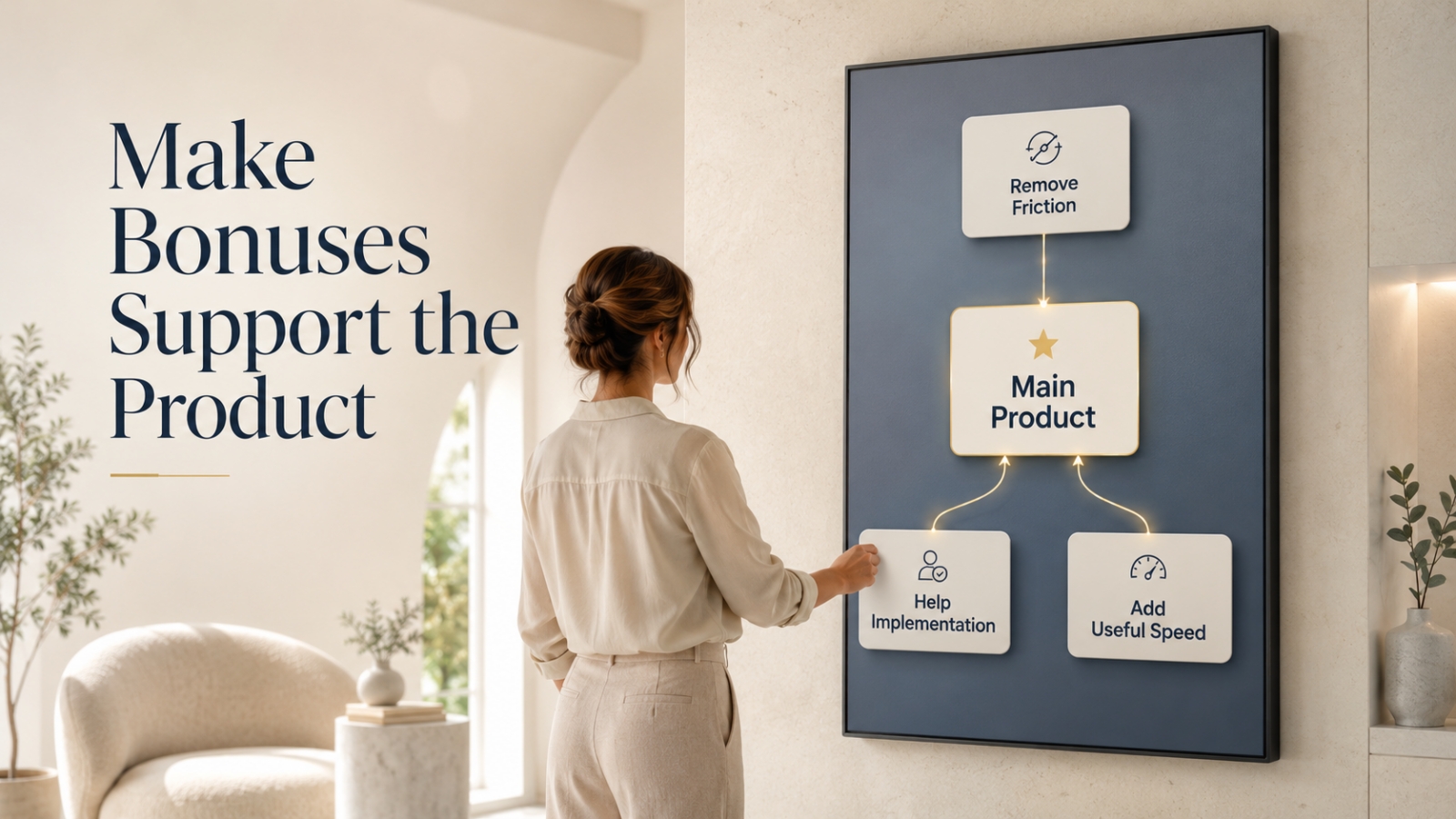
Bonuses should support the main offer.
Do not add random bonuses just to make the offer look bigger.
Example:
- Bonus: Download Page Checklist — helps you prepare a cleaner buyer access experience.
- Bonus: Simple Launch Planner — helps you organize the key steps before sharing your offer.
A good bonus should feel connected.
Delivery or Access Details
Buyers want to know what happens after purchase.
Include a simple delivery note.
Example:
“You’ll receive instant access to the training guide, worksheets, templates, and bonus materials inside the members area.”
If there are PDF and editable formats, state that clearly.
Delivery clarity reduces hesitation.
How to Keep the Value Stack From Feeling Overwhelming
A value stack can become too much when every item gets too much explanation.
The buyer does not need a full essay under every file.
They need enough context to understand the value.
Use this simple format:
Item Name — helps you [specific action or result].
Examples:
Welcome Email Template — helps you greet new subscribers with a simple, trust-building message.
Content Planner — helps you map your next few posts around a clear topic path.
Product Checklist — helps you review the important pieces before publishing.
This format is clean.
It is easy to scan.
It keeps the buyer moving.
What to Add Before Publishing Your Value Stack
Before your sales page goes live, review these areas.
Add a Short Intro
Before listing the deliverables, explain the purpose of the product.
Example:
“Everything inside this kit is designed to help you move from scattered product pieces to one simple offer path.”
This gives the value stack context.
Add Clear Group Labels
Use labels like:
- Core Training
- Action Tools
- Sales Assets
- Bonus Support
- Delivery Materials
Group labels help the buyer process the offer faster.
Add Benefit Lines
Every major item should include a benefit line.
Do not leave buyers guessing why a file matters.
Add Usage Order
If the product has many pieces, show the recommended order.
Example:
“Start with the guide, complete the planning worksheet, then use the sales page and email templates to prepare your offer.”
That small instruction can make the offer feel easier to use.
Add Delivery Clarity
State how the buyer receives the product.
If it is in a members area, say that.
If they receive downloadable files, say that.
If files are provided in multiple formats, explain that simply.
Common Value Stack Mistakes to Avoid
Mistake 1: Making the List Too Long Without Structure
A long list can look impressive at first.
But if it is not grouped, it becomes tiring.
Group related items together.
Mistake 2: Listing File Names Only
A file name tells what the item is.
A benefit line explains why it matters.
Use both.
Mistake 3: Adding Random Bonuses
A bonus should strengthen the offer.
If it does not support the main outcome, remove it or reposition it.
Mistake 4: Overexplaining Every Item
Do not write a full paragraph for every small file.
Keep benefit lines short.
The value stack should be clear, not heavy.
Mistake 5: Hiding the Main Product
Sometimes sales pages overfocus on bonuses.
Make sure the main product is still the hero.
Bonuses should support the main product, not distract from it.
Mistake 6: Forgetting the Buyer’s First Step
After reading the value stack, the buyer should understand how the product works.
If they still wonder where to begin, add a simple “Start Here” note.
The Simple Value Stack Checklist
Use this checklist before publishing your sales page.
Offer Purpose
- Does the value stack connect to the main product promise?
- Does it show why the product exists?
- Does it avoid feeling like a random bundle?
Grouping
- Are related items grouped together?
- Are section labels clear?
- Is the order easy to follow?
Item Names
- Are item names simple?
- Do they explain what each piece is?
- Are vague names improved?
Benefit Lines
- Does each major item explain why it matters?
- Are benefit lines short and specific?
- Do they connect to buyer action?
Product Path
- Can the buyer see how the pieces work together?
- Is there a recommended order if needed?
- Does the offer feel guided?
Delivery Experience
- Does the sales page explain how buyers access the product?
- Are file formats clear?
- Is the first step after purchase obvious?
Quick Action Exercise
Choose one product or PLR offer you want to improve.
Then complete this exercise.
Step 1: List Everything Included
Write down all files, modules, templates, bonuses, and tools.
Do not edit yet.
Just list them.
Step 2: Group the Items
Create three to five groups.
For example:
- Core Training
- Action Tools
- Sales Materials
- Bonuses
- Delivery Support
Step 3: Rename Vague Items
Change unclear names into specific names.
For example:
“Checklist” becomes “Launch Readiness Checklist.”
Step 4: Add One Benefit Line
For each major item, complete this sentence:
This helps you ________.
Then turn it into a clean value bullet.
Step 5: Arrange the Groups in Usage Order
Put the sections in the order the buyer should use them.
This helps the value stack feel like a path.
Step 6: Add a Short Intro
Write one short paragraph before the value stack explaining the purpose of the full offer.
Now your value stack will feel more organized and easier to understand.
Final Encouragement
A value stack is not just a place to show how much is inside your product.
It is where you help the buyer understand the offer.
What they receive.
Why each piece matters.
How the pieces work together.
What next step becomes easier.
That is the real job.
Not to make the product feel heavy.
Not to overwhelm the buyer with every detail.
But to present the offer in a way that feels complete, organized, and easy to understand.
When your value stack does that, the buyer does not just see more files.
They see a product with purpose.
Use This With Blogger’s Success Toolkit
If you already own Blogger’s Success Toolkit, log in to the Blogger Success Blueprint members area and use the relevant planning tools, worksheets, or resources to apply this lesson.
Start with what you already have.
Open one product.
Choose one section.
Complete one small task.
Apply what you already own before adding anything else.
If you also own Blogger’s Success Accelerator System, use it for consistency and growth support.
If you own Blogger’s Success Ultimate Launch Kit, use it for setup and deployment support.
And if you own one of the lighter support paths, such as QuickGrow or QuickStart, begin there before adding anything else.
Members Login:
https://bloggersuccessblueprint.com/members/
New to Blogger’s Success Toolkit?
Blogger’s Success Toolkit gives you a beginner-friendly path to choose your direction, plan useful content, write stronger titles, and begin building your blog with more structure.